---
title: Youtube Embed
description: Register an include service to render a youtube video
---
Deprecated: This approach is still working, but we propose to use [oEmbed](/guides/documents/includes/oembed/llms.txt) for Youtube instead.
This guide will show you how to add a custom Include for Youtube. We will show the implementation for the design, server and editor.
This is more of a quick-guide where you can just copy and paste code. For a deeper understanding you can dive into [Includes Overview](/reference/document/includes/llms.txt)
## Design definition
In the design you will define the component.
```js
module.exports = {
name: 'youtube',
label: 'Youtube',
iconUrl: 'https://example.com/foo-icon',
directives: [
{
name: 'youtubeInclude',
type: 'include',
service: 'youtubeIncludeService'
}
],
// The innerHTML of the div containing the `doc-include` attribute
// will be replaced by the return value of the service
html: `
`
}
```
## Server - rendering the include and defining the service
In the server you will define the `youtubeIncludeService`
This service has one main job - rendering the include with parameters filled in the editor.
```js
// app/server.js
liServer.registerInitializedHook(() => {
liServer.registerIncludeServices([require('./include-services/youtube-service')])
})
// app/include-services/youtube-service.js
module.exports = {
name: 'youtubeIncludeService',
// define the possible parameters an include can recieve
// this schema will be used to render a form for data input in the sidebar
paramsSchema: [
{
type: 'li-text',
handle: 'url',
config: {
maxLength: 200
},
ui: {
component: 'liMetaTextareaForm',
config: {
label: 'Youtube settings',
placeholder: 'Paste Embed Code or URL'
}
}
}
],
// define the default parameter
defaultParams: {
url: ''
},
// define the render mechanism
rendering: {
type: 'function',
render: renderYoutube
}
}
async function renderYoutube({url}, context) {
if (!url) {
return context.preview
? {doNotRender: true} // render the placeholder in the editor
: {html: ''} // do not render anything
}
// always extract the ID so the document only contains 'safe' HTML
const videoId = getId(url)
return {
html: ``
}
}
// extracts the ID... This just serves an example
function getId(url) {
const regExp = /^.*(youtu.be\/|v\/|u\/\w\/|embed\/|watch\?v=|&v=)([^#&?]*).*/
const match = url.match(regExp)
return match && match[2].slice(0, 11) ? match[2].slice(0, 11) : null
}
```
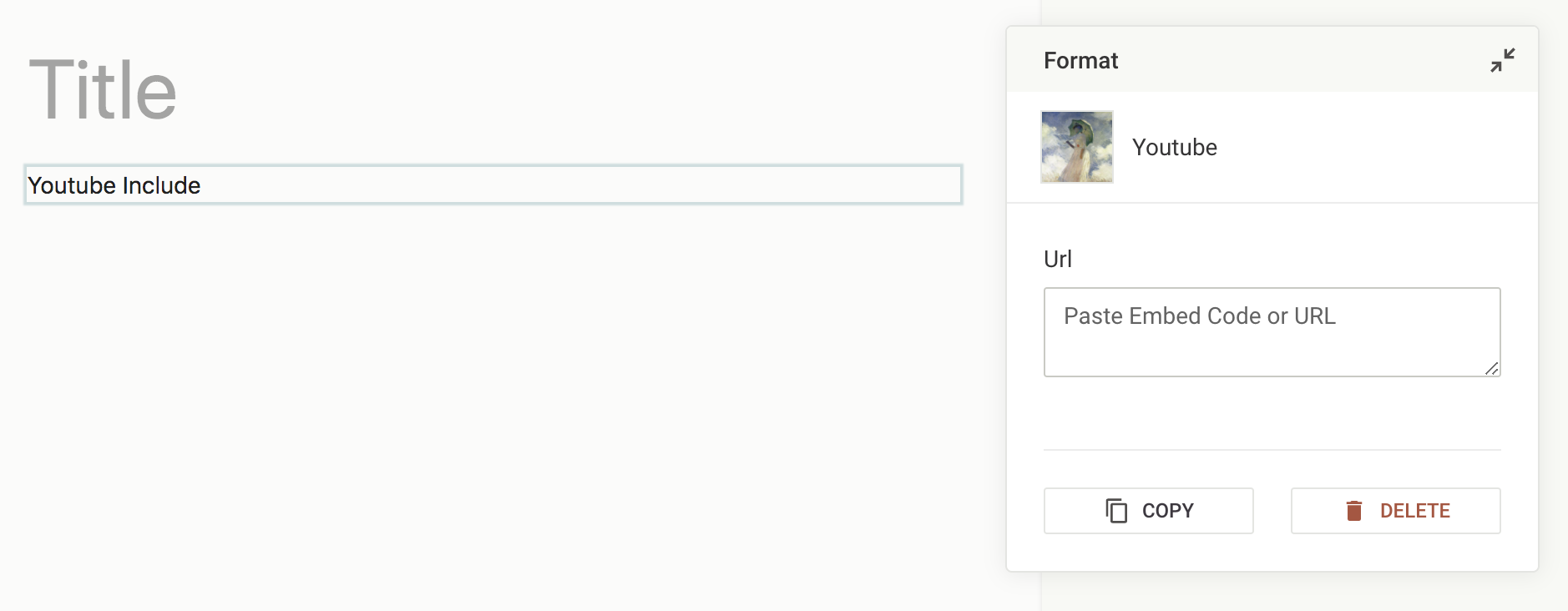
Below you can see the sidebar generated by the defined `paramsSchema`:
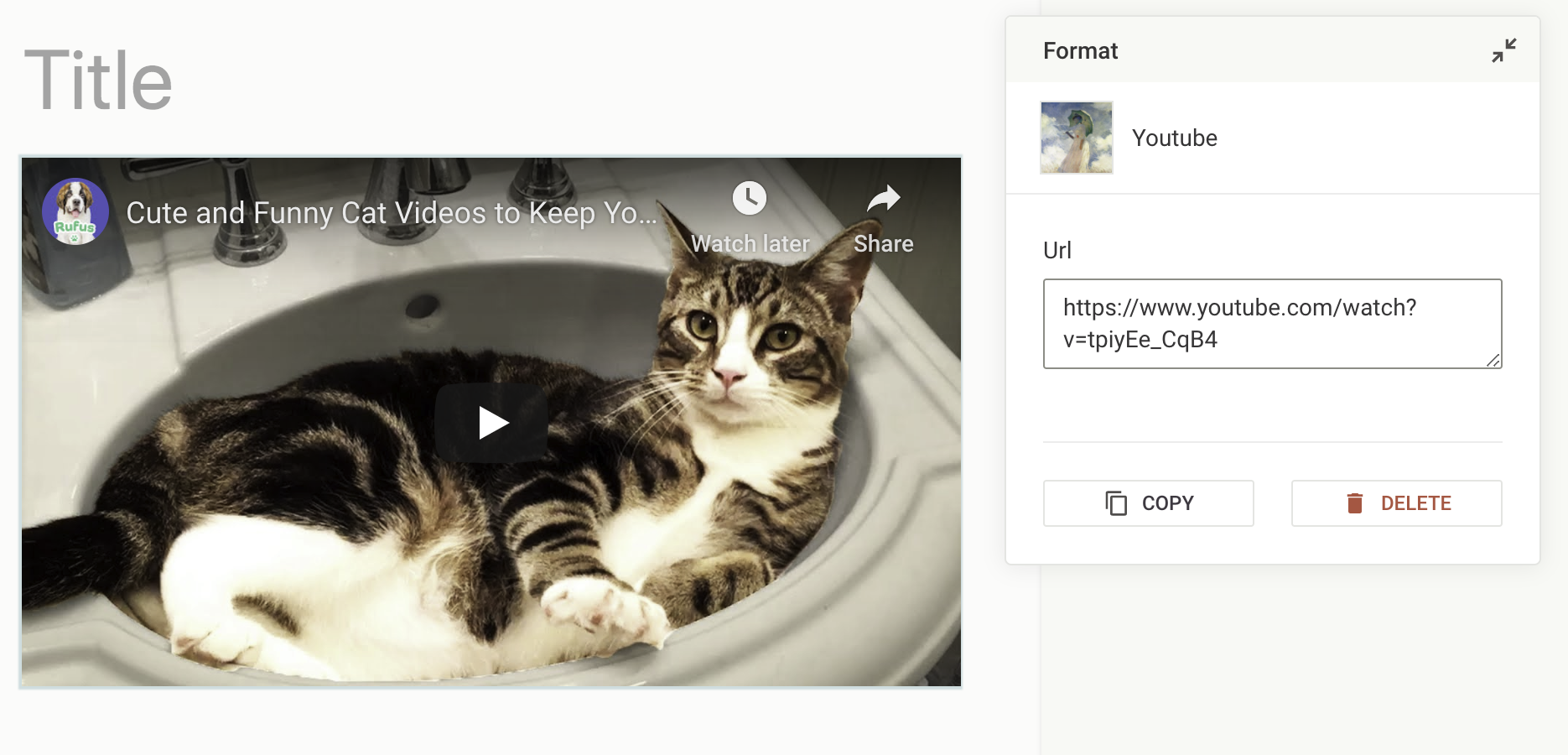
And once a user enters a link, the youtube component is complete:
## Editor - Triggering a custom script
Youtube should already be rendering without any further integration.
If your include does not render correctly, you might need to trigger rendering on changes. See the example [here](/guides/documents/includes/twitter-embed/llms.txt#editor-sidebar-and-trigger-twitter-script) to learn how to run code when new content is injected into the document.
## References
- [Includes Overview](/reference/document/includes/llms.txt)