Added in: release-2026-01
Publish control export mode lets editors export content to a external system with one click. Instead of publishing to your website, Livingdocs exports the document to an external system. This is useful if you produce print products, digital editions, or newsletters with Livingdocs.
When export mode is enabled, the editor UI uses “export” wording instead of “publish” wording. For example:
- The button says “Export now” instead of “Publish now”.
- The status shows “Exported” instead of “Published”.
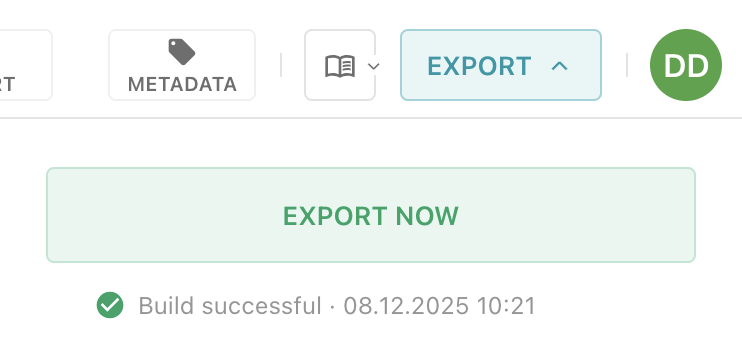
Under the hood, export mode connects existing Livingdocs features: publishing and delivery builds. When an editor clicks “Export”, Livingdocs publishes the document automatically and triggers the configured delivery build. That delivery build can send a webhook to the external system. Any status the external system returns is then shown in the editor.
This works the same way in the UI and through the API. If a document is published via API, Livingdocs also triggers the configured delivery build.
Configuration
Set up a
publicationdelivery build and register a webhook. For details, refer to the Delivery Builds guide.Enable export mode on a content type:
// projectConfig.contentTypes
{
  publishControl: {
    mode: 'export',
    // Optional. If no delivery is referenced, only the wording
    // changes in the editor, but no delivery build is triggered
    // when clicking "Export".
    deliveryHandle: 'print'
  }
}


