Supported Features
| Document | ✔ |
| Media | ✗ |
| Include | ✗ |
| Document Creation Flow | ✗ |
| Push Message | ✗ |
| Usage Log | ✗ |
| Table Dashboard | ✔ |
| Display Filter | ✗ |
| Search Indexing | ✔ |
| System Metadata | ✔ |
| Planning System | ✔ |
| Webhook Conditions | ✗ |
Description
As part of the Planning System, users want to ask for buy-in when writing an article or pitching an idea. Other users can express their backing by accepting a buy-in request. The presence, absence or status of a buy-in request has no effect on permissions and is just a communication tool.
- A buy-in request is closed after it was accepted or declined by one other person
- Users cannot respond to their own buy-in requests
- All other users with read and write permissions to the document can respond to a buy-in request
- Buy-in requests can be answered by returning them to the creator, e.g. to clarify questions before accepting the request
- Closed buy-in requests can be reopened an unlimited number of times
- Buy-in requests can be answered directly from a Table Dashboard
- Expired buy-in requests remain in their state, but may disappear from Table Dashboards (depends on config)
- All own actions can be undone if no other action has occurred afterwards
- All own comments can be edited, but will be marked as such
Default UI
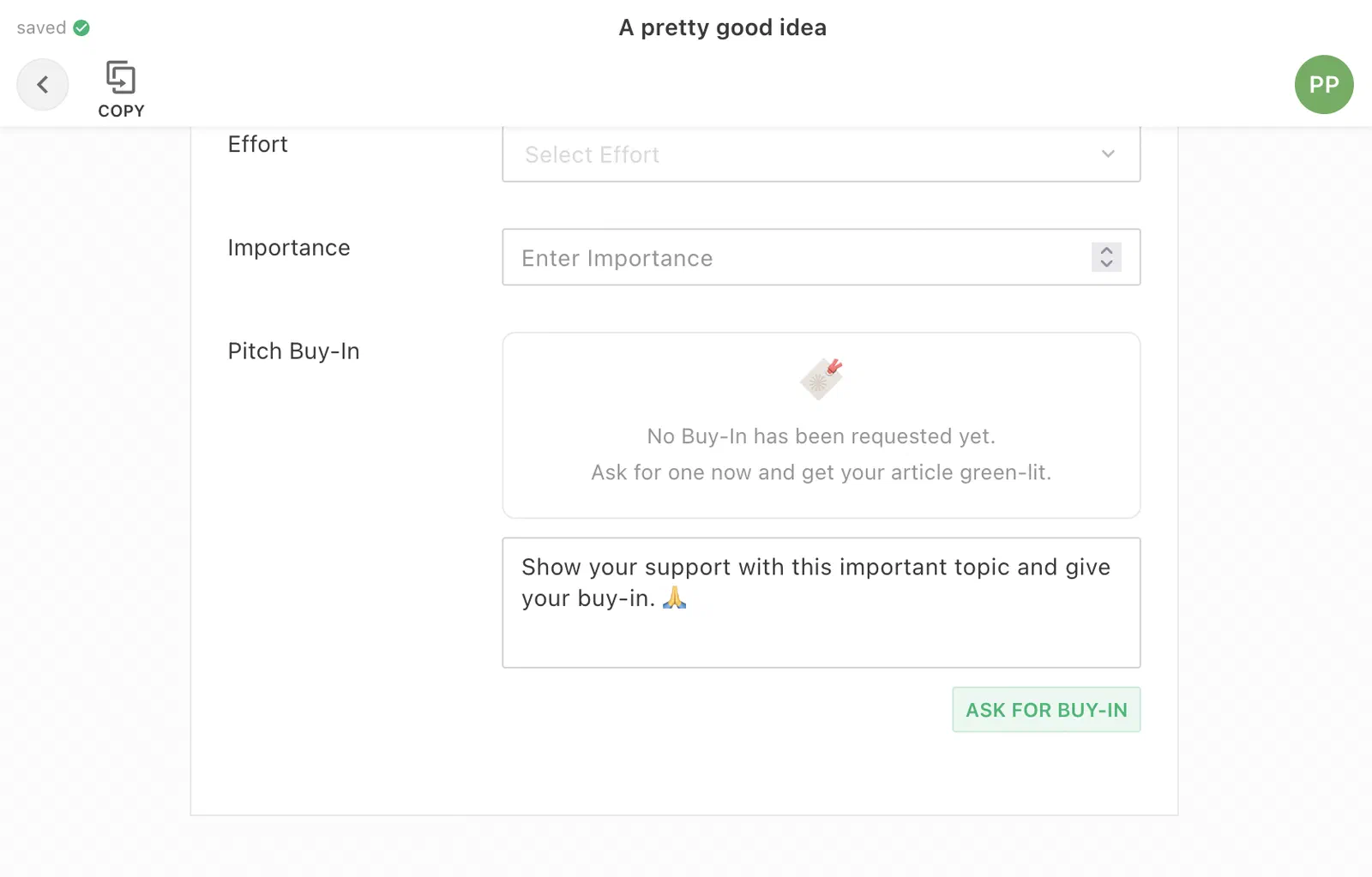
The li-buy-in plugin in initial status:
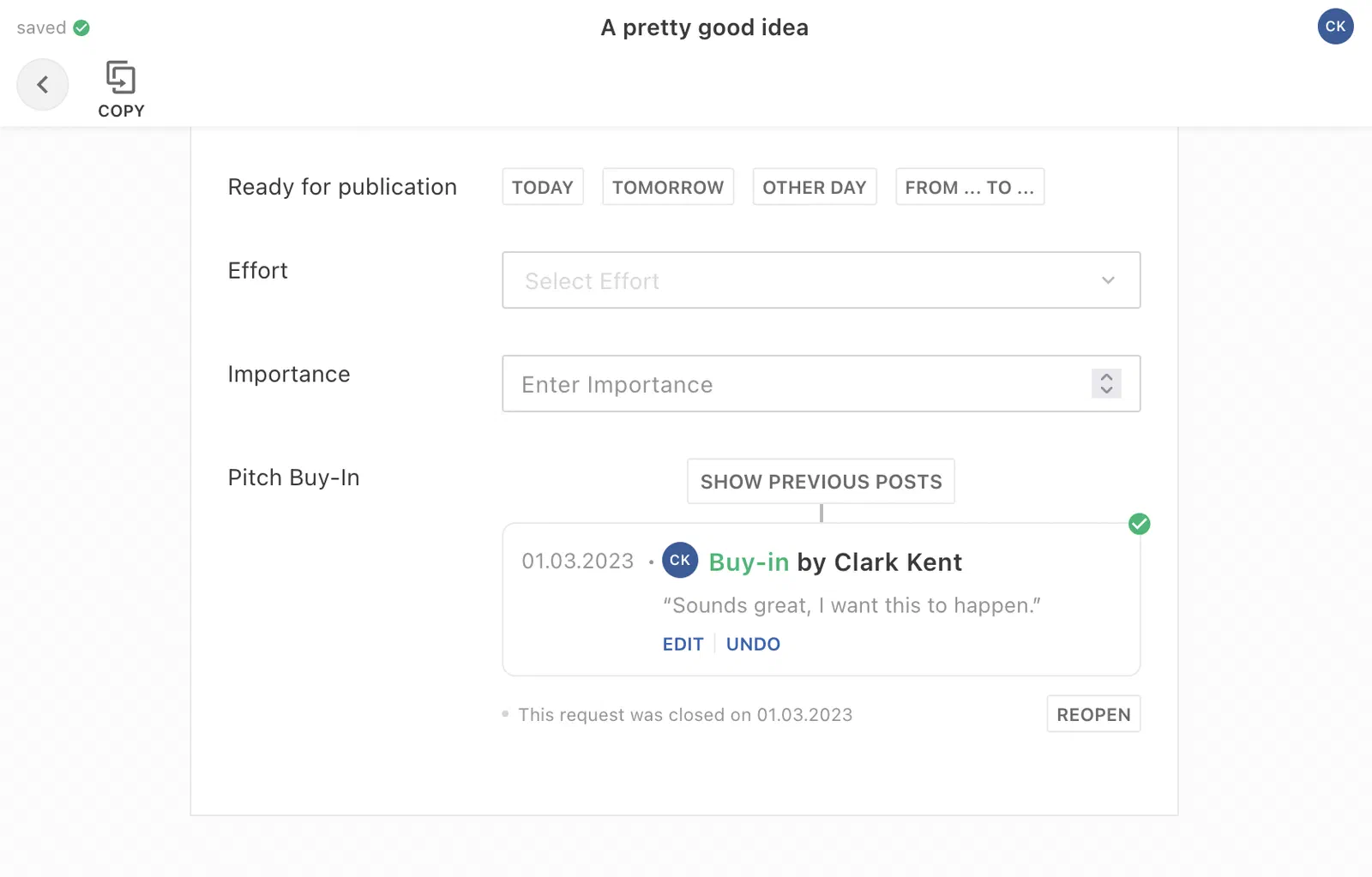
The li-buy-in plugin in closed status:
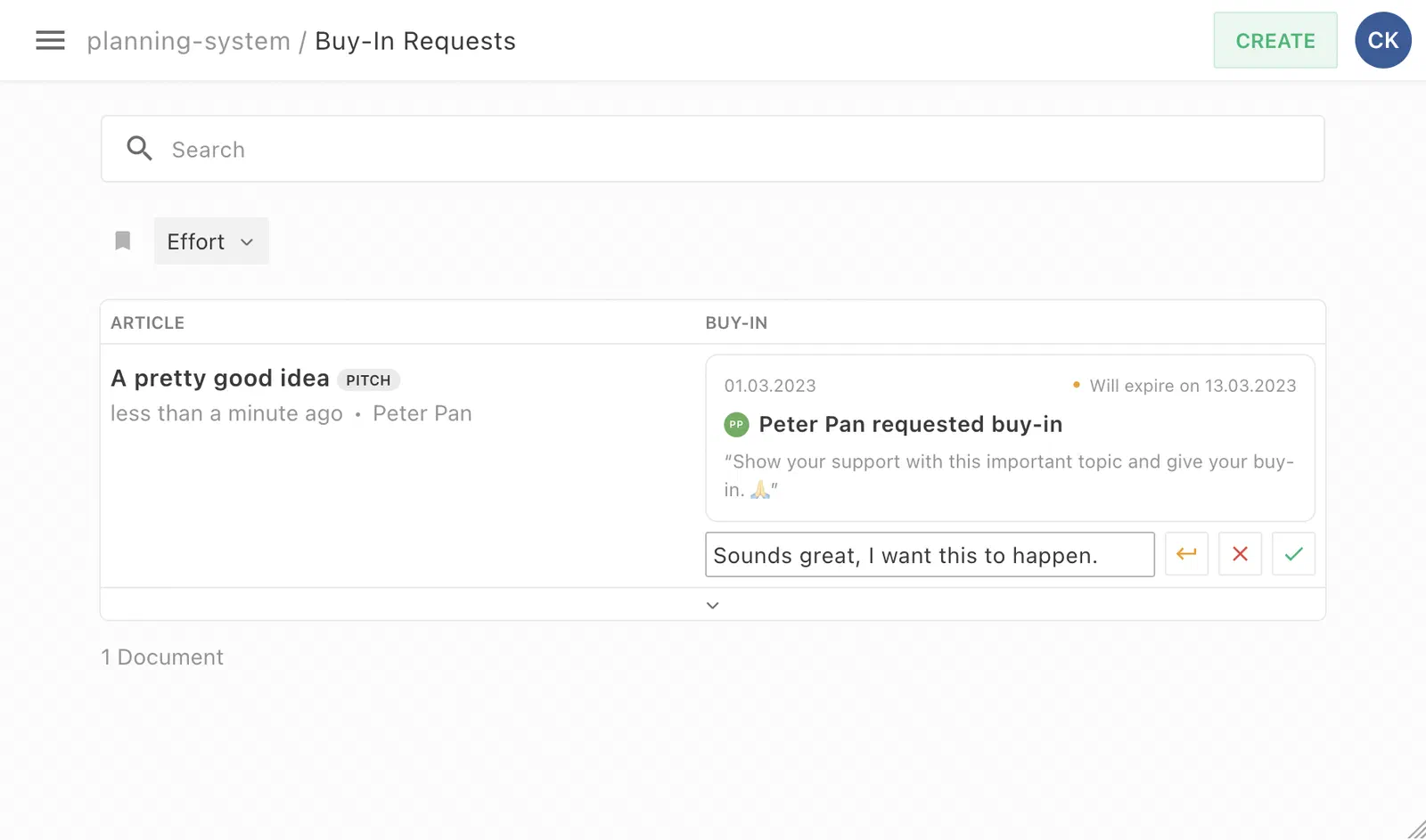
The li-buy-in plugin as a Table Dashboard cell in requested status:
Storage Format
{
  workflow: {
    status: <String>, // 'initial' | 'requested' | 'returned' | 'closed' | 'reopened'
    userId: <Integer>,
    expiryDate: <ISO8601 String>, // only set once requested
    timeline: [{
      eventType: <String>, // 'BuyInRequest' | 'BuyInReRequest' | 'BuyInAcceptance' | 'BuyInDeclining' | 'BuyInReturn' | 'BuyInReopen'
      userId: <Integer>,
      createdAt: <ISO8601 String>,
      updatedAt: <ISO8601 String>, // only set when edited
      comment: <String> // optional
    }]
  }
}
Content Type Config
{
  handle: 'myContentType',
  // ...
  metadata: [
    {
      // Plugin needs to be configured with same handle on all relevant content types,
      // otherwise data is lost when transforming content type, e.g. from pitch to article.
      handle: 'myHandle',
      type: 'li-buy-in',
      ui: {
        label: 'Buy-In'
      },
      config: {
        defaultExpiryDays: 5, // The default number of days before the request expires (editable in UI)
        index: true // Required for filters on Table Dashboard
      }
    }
    // ...
  ]
}
Table Dashboard Config
{
  handle: 'myDashboard',
  // ...
  baseFilters: [
    {key: 'metadata.myBuyInHandle.workflow.expiryDate', range: {gte: 'now/d'}}, // Only showing documents with non-expired buy-in requests
    {key: 'metadata.myBuyInHandle.workflow.status', term: 'requested'} // Additional status filter
  ],
  columns: [
    {
      label: 'Buy-In',
      minWidth: 400, // Recommended min. width
      growFactor: 0,
      priority: 1,
      metadataPropertyName: 'buyIn',
      editable: true
    }
    // ...
  ]
}


